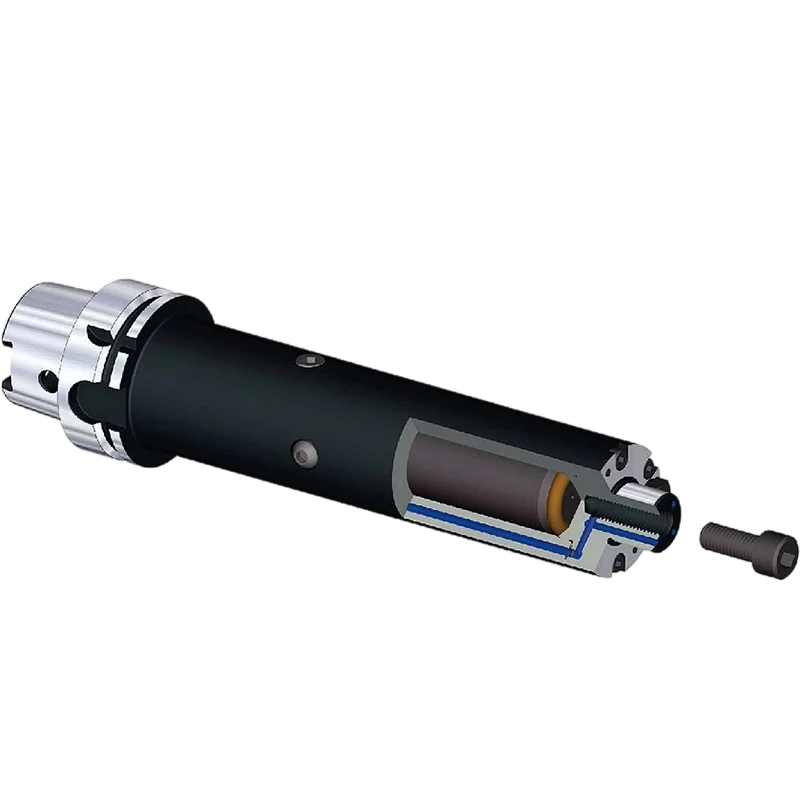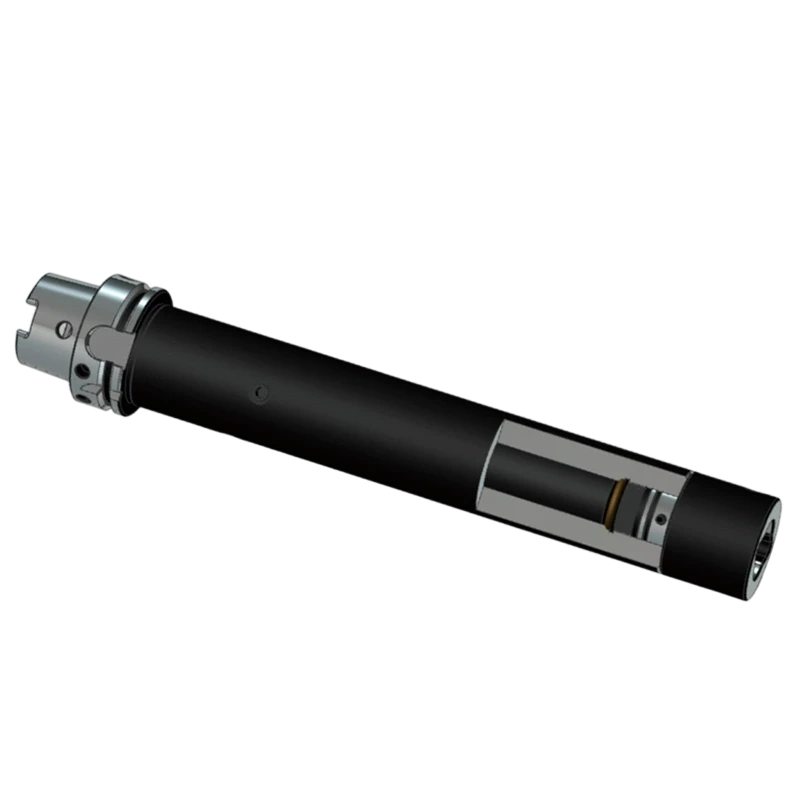


Choosing a high-speed live center by its maximum RPM alone can lead to excess heat, vibration, poor finish, or early bearing failure. A reliable selection also considers live center load capacity, bearing temperature, and machine setup. This guide explains how to read ratings, check operating conditions, and choose a suitable center for your turning application.

A rating is a limit under stated conditions, not a promise that every setup can run at that limit. The safe working range changes with workpiece weight, center pressure, bearing lubrication, alignment, and duty cycle. For buyers and distributors, comparing these factors is more useful than comparing catalog RPM figures alone.
1. What Do High-Speed Live Center Ratings Mean?
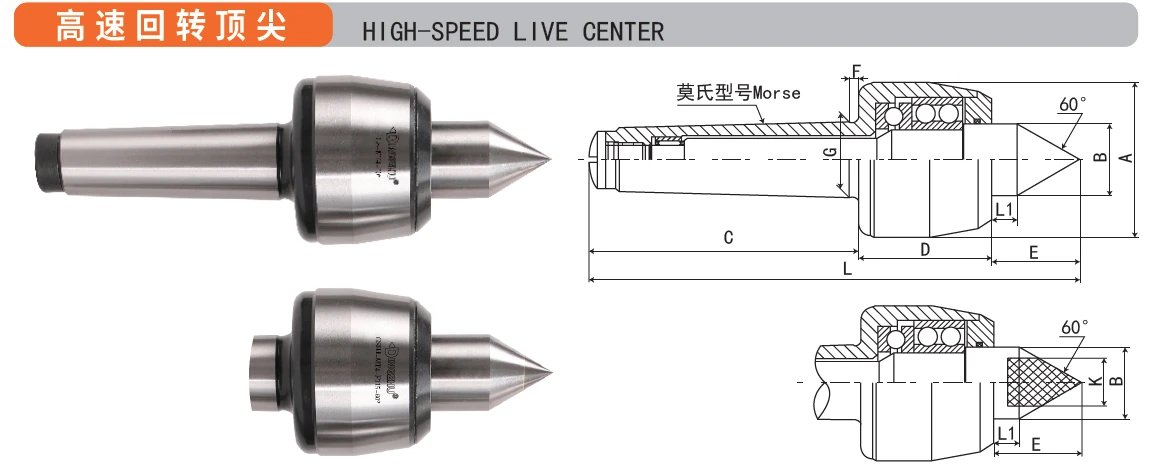
A live center supports the rotating end of a workpiece while its internal bearings allow the center point to turn with the part. Ratings describe the conditions in which the tool is designed to operate. They help users compare products, but only when the test conditions and rating definitions are clear.
Speed rating
The live center speed rating is the maximum or recommended spindle speed specified by the manufacturer. It is usually shown in revolutions per minute, or RPM. Some manufacturers provide a maximum speed, while others give a recommended working speed. Ask which figure applies to continuous operation and which applies only for a short period.
Load rating
Load capacity describes the force the center can support. The exact meaning may differ by product: a listed value may refer to axial force, radial force, or a test condition. Do not treat a load figure as a universal safe load for every workpiece. Confirm the load direction and measurement method with the manufacturer.
Runout and bearing condition
Runout is the small amount of movement at the center point as it turns. Low runout supports better concentricity and surface finish. Bearing condition affects runout, heat, noise, and service life. A center can meet its original specification but perform poorly if it is contaminated, damaged, misaligned, or used with unsuitable lubrication.
2. Compare Speed, Load, and Bearing Conditions
Use this comparison as a screening tool. Product limits vary by design, size, lubrication system, and manufacturer. The figures in a product catalog or technical drawing take priority over general guidance.
| Rating or condition | What to check | Why it matters |
|---|---|---|
| Maximum RPM | Confirm whether it is a peak or continuous rating. | Exceeding the limit can increase bearing heat and wear. |
| Workpiece load | Check load direction, part weight, center pressure, and support. | Excess force can overload bearings or damage the point. |
| Bearing temperature | Track temperature during a repeatable test and watch for a rising trend. | Unexpected heat can indicate friction, excess pressure, or lubrication problems. |
| Runout | Measure at the center point using the maker's test method. | High runout can reduce accuracy and create vibration. |
| Lubrication | Follow the specified lubricant type and service interval. | Incorrect or insufficient lubrication can shorten bearing life. |
| Duty cycle | Identify continuous, intermittent, and stop-start operation. | Repeated acceleration and long operating periods change heat buildup. |
When comparing two centers, compare the same operating conditions. A high RPM value may have been measured with a lighter load or shorter duty cycle. Ask for the rated load at the stated speed, recommended center pressure, allowable runout, and maintenance instructions.
3. How to Choose a Safe Working Speed
Start with the machine, workpiece, and operation rather than the center's highest advertised speed. A long or slender part may need a lower speed because it can flex or vibrate. An unbalanced part can also create harmful vibration before the center reaches its own speed limit.
Speed selection steps
- Read the center's maximum and recommended RPM from its technical data.
- Check the workpiece material, diameter, length, balance, and required finish.
- Confirm that the machine, chuck, tooling, and workholding are rated for the planned speed.
- Set a conservative starting speed and verify that the workpiece is stable.
- Increase speed in controlled steps while checking vibration, noise, and temperature.
- Stop if the center heats rapidly, makes unusual noise, or shows increasing runout.
Process flow: Check machine and center limits -> inspect the workpiece and setup -> begin below the planned production speed -> increase in controlled steps -> monitor heat, noise, and vibration -> record the stable operating range.
The weakest-rated component sets the practical speed limit. For example, a center rated for a high RPM does not make an older chuck or an unbalanced workpiece safe at that speed. Use the lowest applicable limit among the machine, workholding, center, and process plan.
4. Understand Load Capacity and Center Pressure
Load on a live center comes from more than the workpiece's weight. Tailstock pressure, cutting forces, workpiece length, material, and support method all affect the force reaching the bearings. Applying excessive center pressure may increase friction and heat. Too little pressure can allow the part to move or lose support.
Practical load checks
Use the machine or tooling manufacturer's method to set tailstock pressure. Do not tighten the center until the part appears rigid without checking the recommended force. For long parts, consider whether a steady rest or another support method is required. A live center rating cannot correct a workpiece that bends or vibrates because it lacks support.
For a product comparison, ask whether the load rating is axial or radial, how it was tested, and whether the stated RPM applies at that load. Also confirm whether the rating assumes a specific center angle, lubrication method, or operating temperature. These details make supplier quotations more useful and reduce the risk of comparing unlike figures.
5. Bearing Conditions That Affect Performance
Bearings inside a high-speed live center carry rotating loads. Their condition depends on correct assembly, clean storage, suitable lubrication, and operation within rated limits. A bearing problem may first appear as heat or noise, before the center develops obvious looseness or visible damage.
Common warning signs
- Temperature rises quickly under a familiar load and speed.
- Grinding, clicking, or rough sounds continue after the setup is checked.
- Runout increases or the center point feels rough when rotated by hand.
- Lubricant leaks, looks contaminated, or is missing where lubrication is required.
- Vibration persists after checking workpiece balance and machine alignment.
Stop the machine before inspection. Do not touch a rotating center or attempt to measure it while it is running. Once stopped, follow the equipment maker's safety procedure and inspect the point, housing, and lubrication condition. Do not open a sealed bearing assembly unless the manufacturer permits service.
Temperature monitoring
There is no single temperature limit that applies to every live center. Bearing type, seal design, lubricant, load, ambient temperature, and measurement location all affect a reading. Record the starting temperature and the temperature after a consistent run time. A steady temperature trend is generally more useful than one isolated measurement. Follow the maker's limit and stop if readings rise abnormally.
6. Selection Guide by Application
| Application condition | Selection priority | Useful supplier question |
|---|---|---|
| High-speed finishing | Speed capability, low runout, heat control | What is the continuous RPM rating and specified runout? |
| Heavy or long workpiece | Load definition, point strength, additional support | What load direction and test method does the rating use? |
| Long production runs | Duty cycle, lubrication, maintenance access | Is the rating suitable for continuous operation? |
| Frequent speed changes | Bearing design and acceleration conditions | Are there limits for repeated starts and stops? |
| Precision turning | Runout, bearing quality, inspection process | How is runout measured and at what location? |
Ounuowei recommends matching the center model to the full machining condition, not selecting by RPM alone. When requesting a quotation, provide the machine type, workpiece dimensions and weight, material, target speed, operating hours, and expected cutting load. This information helps a manufacturer recommend a model and clarify any rating conditions.
7. Installation and Operating Checklist
A correct rating cannot compensate for poor installation. Before each production run, clean the taper and mating surfaces, check that the center seats correctly, and inspect the point for damage. Confirm that the tailstock is aligned with the spindle and that the workpiece is held securely.
- Review the live center and machine operating limits.
- Inspect the center for damage, contamination, and abnormal play.
- Clean and seat the center according to the machine instructions.
- Align the tailstock and apply the specified center pressure.
- Secure and balance the workpiece, then confirm all guards are in place.
- Run at a low speed first and listen for unusual sounds.
- Increase speed gradually and monitor heat, vibration, and finish.
- Record the stable settings and inspect the center after the operation.
If vibration starts, do not assume the live center is the only cause. Check workpiece balance, chuck condition, tool engagement, tailstock alignment, and machine foundation. Change one factor at a time where practical. This helps identify the cause instead of masking it with a different speed or more tailstock force.
8. Frequently Asked Questions
Can I run a live center continuously at its maximum RPM?
Only if the manufacturer identifies that figure as suitable for continuous use under your load and lubrication conditions. If the rating is unclear, ask for written guidance before production. A peak speed is not automatically a continuous operating speed.
Does a higher load rating always mean a better center?
No. A higher load capacity may be unnecessary for a light, high-speed finishing job. Choose a center that matches the required speed, load, accuracy, and duty cycle. Oversizing does not remove the need for correct pressure and alignment.
Why does a live center become hot?
Possible causes include excess center pressure, speed above the recommended range, bearing wear, incorrect lubrication, misalignment, or contamination. Stop the machine and investigate the cause. Do not continue running simply because the part still turns.
How often should I maintain a live center?
Use the maintenance schedule provided for the specific model. Sealed and serviceable designs can have different requirements. Keep a record of operating hours, temperature changes, noise, and runout so that a developing problem is easier to identify.
9. Key Takeaway for Buyers and Distributors
A useful high-speed live center rating combines speed, load, accuracy, bearing condition, and duty cycle. Confirm what each catalog figure means and compare products under the same conditions. Select a safe operating range based on the lowest-rated part of the complete machine setup, then verify performance with controlled testing and regular inspection.
For dependable turning, treat RPM as one part of the decision, not the whole decision. Ask suppliers for clear rating definitions, installation guidance, lubrication requirements, and maintenance instructions. A well-matched center can support stable production, consistent finish, and longer bearing life.